
10 Tips for a Successful Live Stream of an Amateur Sports Game
In today’s digital world, live streaming sports is no longer reserved for professional leagues. Whether...


The truth is simple: even the best sports live stream needs promotion.
Social media gives amateur sports organizers a powerful, free way to reach families, friends, and local communities. When used well, it can turn a single live stream into a shared event that brings people together—even if they can’t be at the game in person.
This guide shows how to promote a sports live stream on social media in a simple, practical way—no marketing background required.
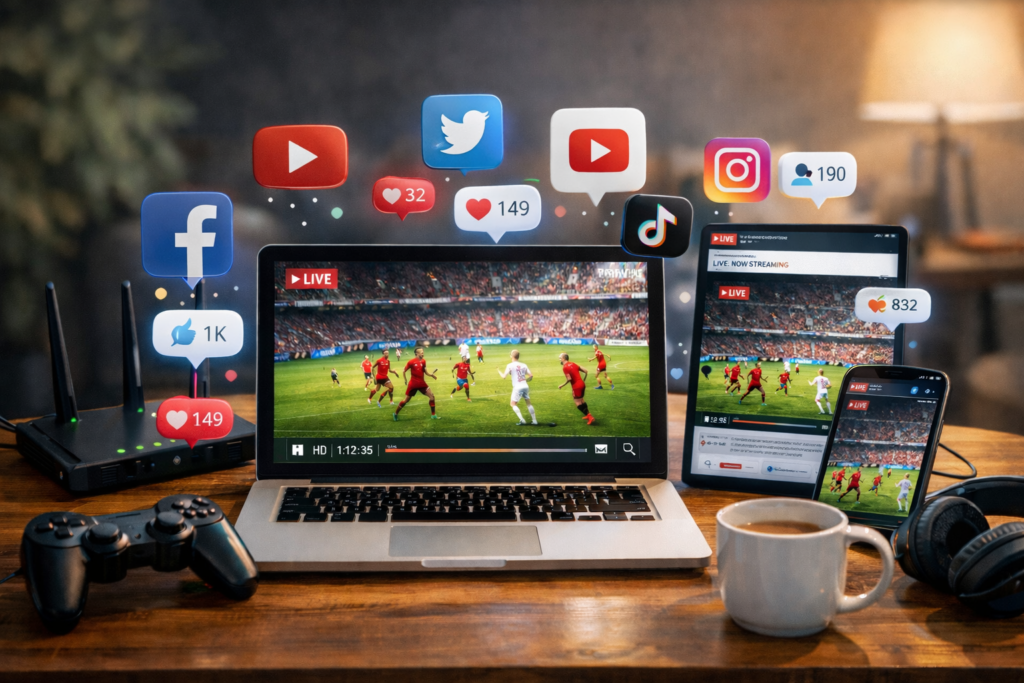
In youth and amateur sports, audiences don’t automatically know when a game is being streamed. Unlike professional leagues, there’s no TV schedule or media coverage.
Without promotion:
With basic social media promotion, you can:
Promotion isn’t about “selling.” It’s about letting people know they’re invited.
You don’t need to be everywhere. Focus on where your audience already is.
For most youth teams, Facebook and WhatsApp are enough to start.
One of the biggest mistakes is posting too late.
Example:
“Can’t make it to the game today? We’re live streaming the match so family and friends can watch from anywhere!”
Clarity beats creativity—especially for parents scanning social media quickly.
Posting on a club’s fan page is helpful, but groups are even more powerful.
People are more likely to see and engage with posts inside groups than on public pages.
Always check group rules before posting and keep messages friendly and relevant.
You don’t need professional graphics. A simple image or short video can significantly increase visibility.
Visual posts stand out in crowded social media feeds and help people stop scrolling.
Stories are one of the most effective tools for promoting live sports streams.
Stories feel more personal and urgent, which encourages people to tune in immediately.
Many viewers are happy to help—if you ask in the right way.
The easier it is to share, the more likely people will do it.
Promotion doesn’t stop once the stream starts.
Late viewers still matter, especially for longer matches.
Even if people missed the live stream, post-game content keeps engagement high.
This builds momentum and makes future live streams easier to promote.
A dedicated sports streaming app simplifies sharing and promotion.
For example, StreamMySport helps by:
The simpler the streaming process, the more confident organizers feel promoting it.
Avoiding a few common errors can dramatically improve results.
Consistency matters more than creativity.
How early should I promote a sports live stream?
Start at least one day before the game and remind people again shortly before kickoff.
Which social media platform works best for youth sports?
Facebook and WhatsApp are usually the most effective for parents and families.
Do I need paid ads to promote a live stream?
No. Organic posts, groups, and direct sharing are usually enough for amateur sports.
How many times should I post about one game?
Ideally 3–4 times: before the game, on game day, just before kickoff, and during the match.
Can social media really increase live stream viewers?
Yes. Clear and consistent promotion often doubles or triples live viewership.
Promoting a sports live stream on social media doesn’t require marketing skills or paid advertising. It’s about clear communication, simple reminders, and using the platforms your community already trusts.
When parents, families, and supporters know when and where to watch, live streaming becomes a shared experience—not just a video link.
Try promoting your next sports live stream using these steps and see how much more connected your community feels.

We'd love to hear from you!
Have a question about StreamMySport, need help with the app, or simply want to say hello? We're always happy to hear from you!
Whether you're looking for technical support, have an idea for a new feature, or want to explore a potential partnership, our team is here to help.
We're also excited to connect with sports clubs, tournament organizers, schools, and content creators who want to bring more sporting moments to life through livestreaming.
Get in touch with us at:
We'll do our best to get back to you as soon as possible.
Let's make sports more accessible, together!
Let’s Contact
We’re opening early access for passionate streamers.
Join the waitlist now and get an exclusive launch discount when the app goes live.
No spam — we’ll notify you once the app is live on Google Play & App Store!
StreamMySport
is Launching Soon!