
10 Tips for a Successful Live Stream of an Amateur Sports Game
In today’s digital world, live streaming sports is no longer reserved for professional leagues. Whether...


But there’s one common problem that can ruin even the most exciting game: an unstable internet connection.
If you’ve ever experienced frozen video, dropped streams, or blurry footage during a match, you’re not alone. The good news is that you don’t need technical knowledge or expensive equipment to significantly improve your sports live streaming quality.
This guide shares simple, practical internet tips to help you stream games smoothly and confidently—whether you’re a parent filming from the sidelines or a coach organizing streams for your team.
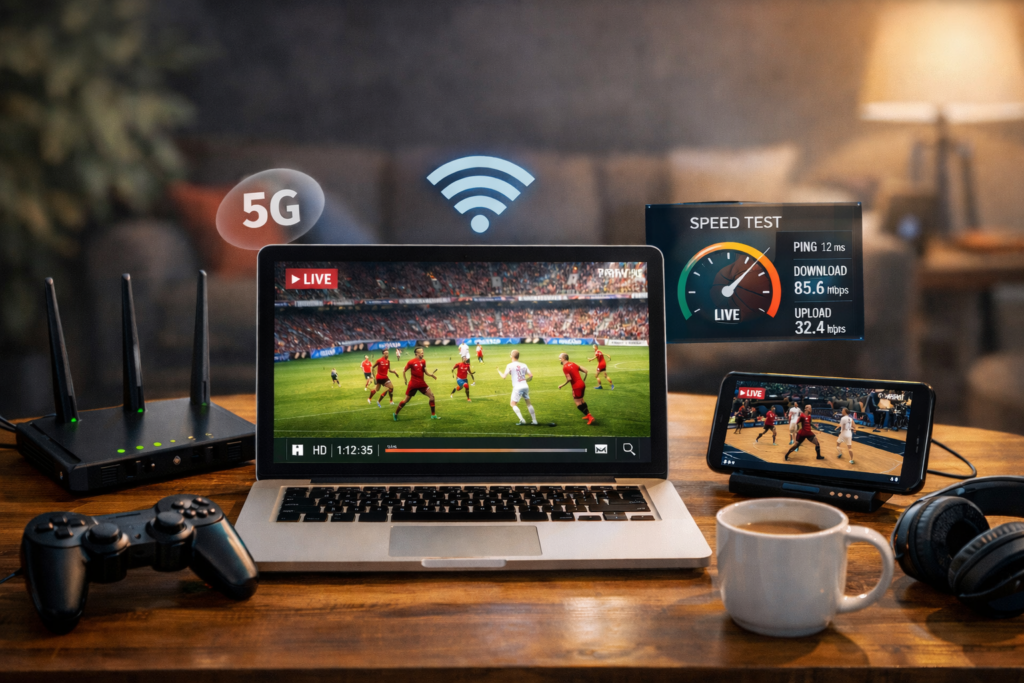
In amateur and youth sports, most live streams are created:
Unlike professional broadcasts, there’s no technical crew to fix problems during the game. A weak internet connection can cause buffering, lag, or sudden stream dropouts that frustrate viewers and make them stop watching.
A stable internet connection improves more than just video quality. It builds trust and consistency, encouraging parents and fans to return for future games.
Stable internet does not mean the fastest connection available. It means a connection that is reliable and consistent throughout the entire match.
For sports live streaming, the most important factor is upload speed, not download speed.
As a general rule:
Consistency matters more than peak speed. A steady connection at 5 Mbps is better than a connection that jumps between 2 and 20 Mbps.
This is the easiest and most important step, yet it’s often skipped.
About 15–20 minutes before the game starts:
If the upload speed is low or unstable, you still have time to adjust by switching networks, changing location, or lowering stream quality.
Many sports streaming apps automatically recommend the best quality settings based on your internet speed, which is especially helpful for non-technical users.
Different locations require different internet solutions.
Mobile data is usually the best option for outdoor sports events.
Try to avoid areas with heavy network congestion, such as large crowds using the same mobile tower.
Wi-Fi can work, but it’s often unreliable at sports venues.
If you use Wi-Fi, stay close to the router and test the upload speed carefully.
Using a second phone as a hotspot is a great backup option.
Even a good connection can struggle if too many apps are using data at the same time.
Before going live:
During the game:
These simple actions reduce background data usage and help maintain a stable stream.
Higher quality does not always mean a better viewer experience.
For amateur sports, the best settings are usually:
Lowering quality slightly can prevent buffering and dropped streams. Viewers generally prefer a smooth, uninterrupted stream over a higher-resolution video that constantly freezes.
Your physical location can have a big impact on signal strength.
To improve connectivity:
If you notice streaming issues, a small change in position can often solve the problem immediately.
Experienced streamers prepare for problems before they happen.
Useful backups include:
These backups reduce stress and help ensure you can keep streaming even if something goes wrong.
A dedicated sports streaming app simplifies the entire process.
Apps like StreamMySport are designed for parents and coaches, offering:
The goal is not perfection, but reliability and ease of use.
Many streaming issues come from the same few mistakes.
Avoid:
Fixing even one of these can significantly improve stream stability.
What internet speed do I need to live stream a sports game?
For most amateur sports, 3–6 Mbps upload speed is enough for a stable 720p stream.
Is Wi-Fi or mobile data better for live streaming sports?
Mobile data is usually more reliable, especially for outdoor events.
Why does my stream lag even with fast internet?
Lag is often caused by unstable upload speed, network congestion, or background apps using data.
Should I stream in 1080p for youth sports?
Only if your upload speed is consistently above 8–10 Mbps. Otherwise, 720p is safer.
Can I stream sports reliably from a smartphone?
Yes. With proper preparation and the right app, smartphones are fully capable of stable sports live streaming.
Stable sports live streaming does not require expensive equipment or technical expertise. It comes down to:
Apply these tips and your next stream will be smoother, more reliable, and more enjoyable for everyone watching.
Try streaming your next game with these best practices and experience the difference a stable internet connection makes.


We'd love to hear from you!
Have a question about StreamMySport, need help with the app, or simply want to say hello? We're always happy to hear from you!
Whether you're looking for technical support, have an idea for a new feature, or want to explore a potential partnership, our team is here to help.
We're also excited to connect with sports clubs, tournament organizers, schools, and content creators who want to bring more sporting moments to life through livestreaming.
Get in touch with us at:
We'll do our best to get back to you as soon as possible.
Let's make sports more accessible, together!
Let’s Contact
We’re opening early access for passionate streamers.
Join the waitlist now and get an exclusive launch discount when the app goes live.
No spam — we’ll notify you once the app is live on Google Play & App Store!
StreamMySport
is Launching Soon!